
By default, e.tool determines your units from your language setting: en-US uses imperial, and other languages use metric. You can override this default and choose your own unit system at any time.
To change your unit preference:
- Click your user menu in the top-right corner and select Account settings.
- In the settings menu, select Unit preference.
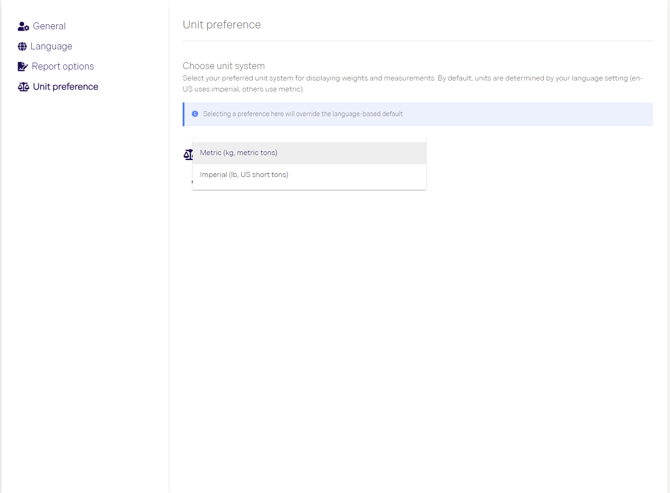
- Under Choose unit system, open the dropdown.
- Select either Metric (kg, metric tons) or Imperial (lb, US short tons).
Your selection is applied straight away and overrides the language-based default.
Additional information
To return to the default units for your language setting, select Reset to Language Default on the same page.
The unit preference controls how weights and measurements are displayed. It does not change the underlying data.
If you need help, contact us at support@rejoose.com.